Your account
Your account settings can be changed at the user area, in Your account. Here you can make changes to your profile, password or account language, as well as generate personal access tokens and access release notes.
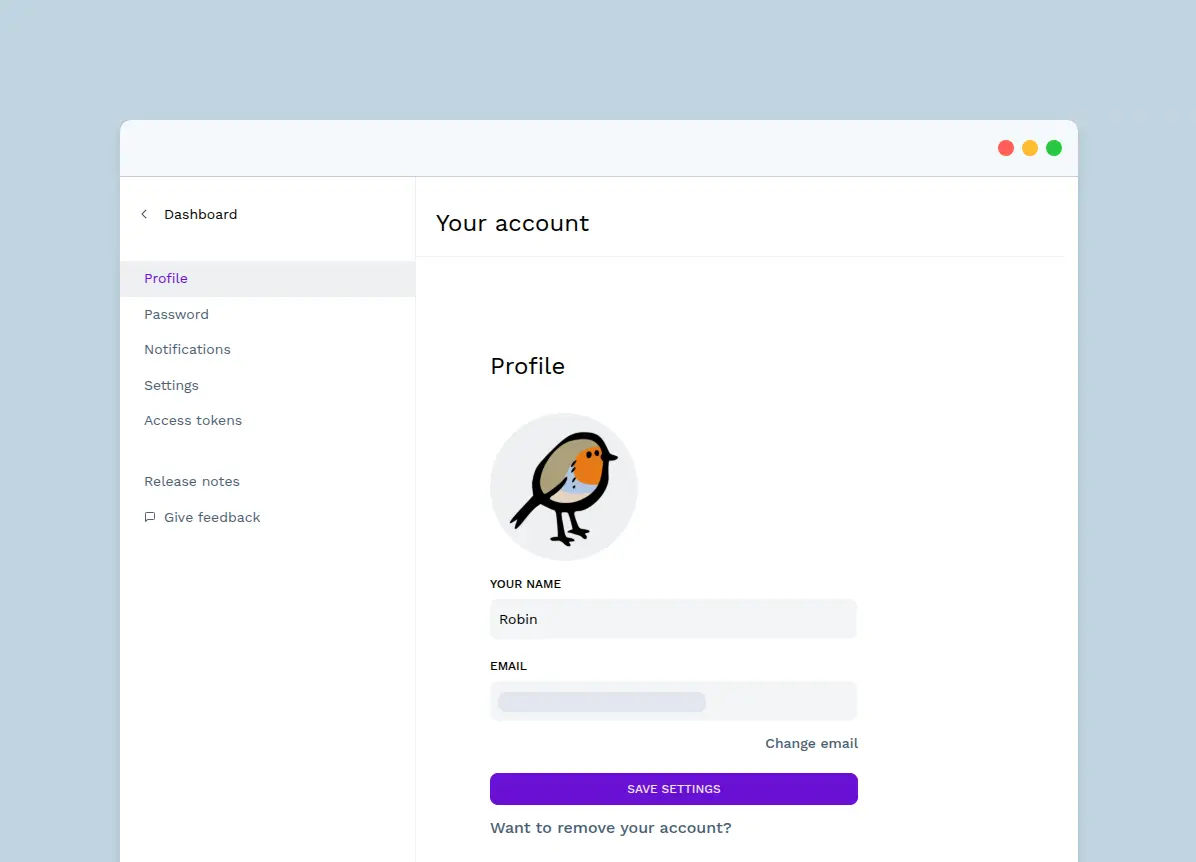
Profile #
If you want to change the email address associated to your account or remove your account entirely, this can be done in the Profile section.
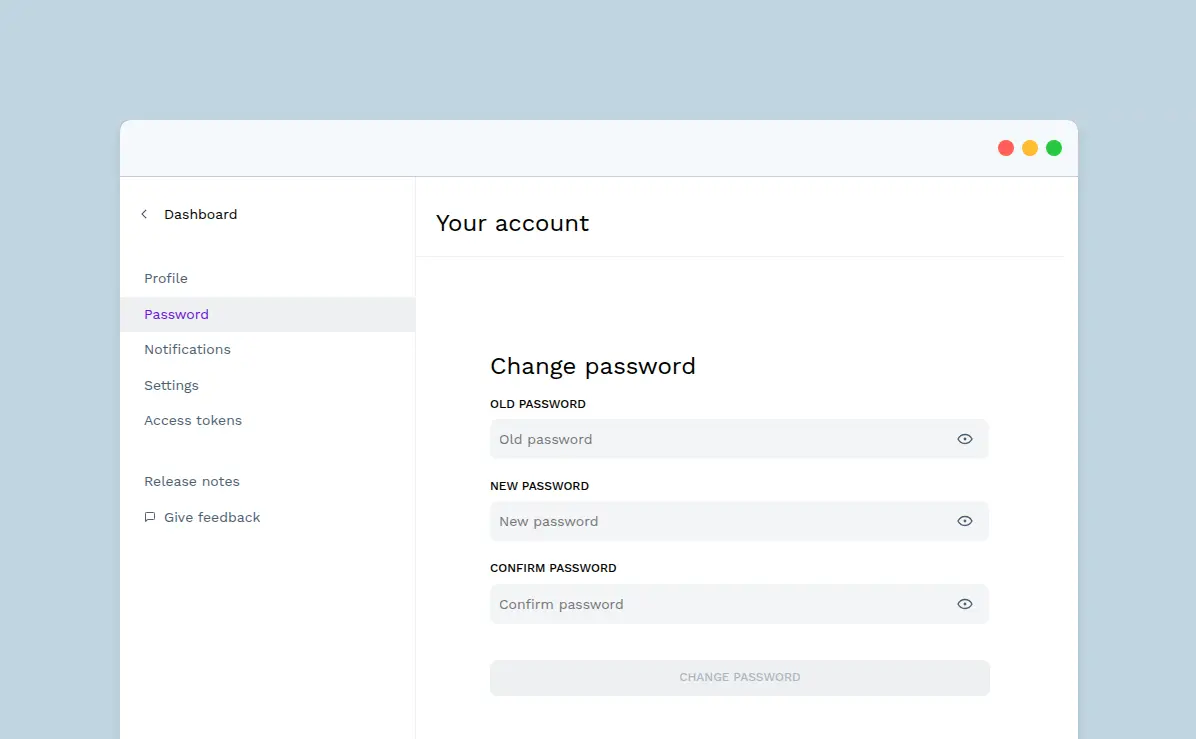
Password #
If you want to change your password to a new one, this can be done in the Password section.
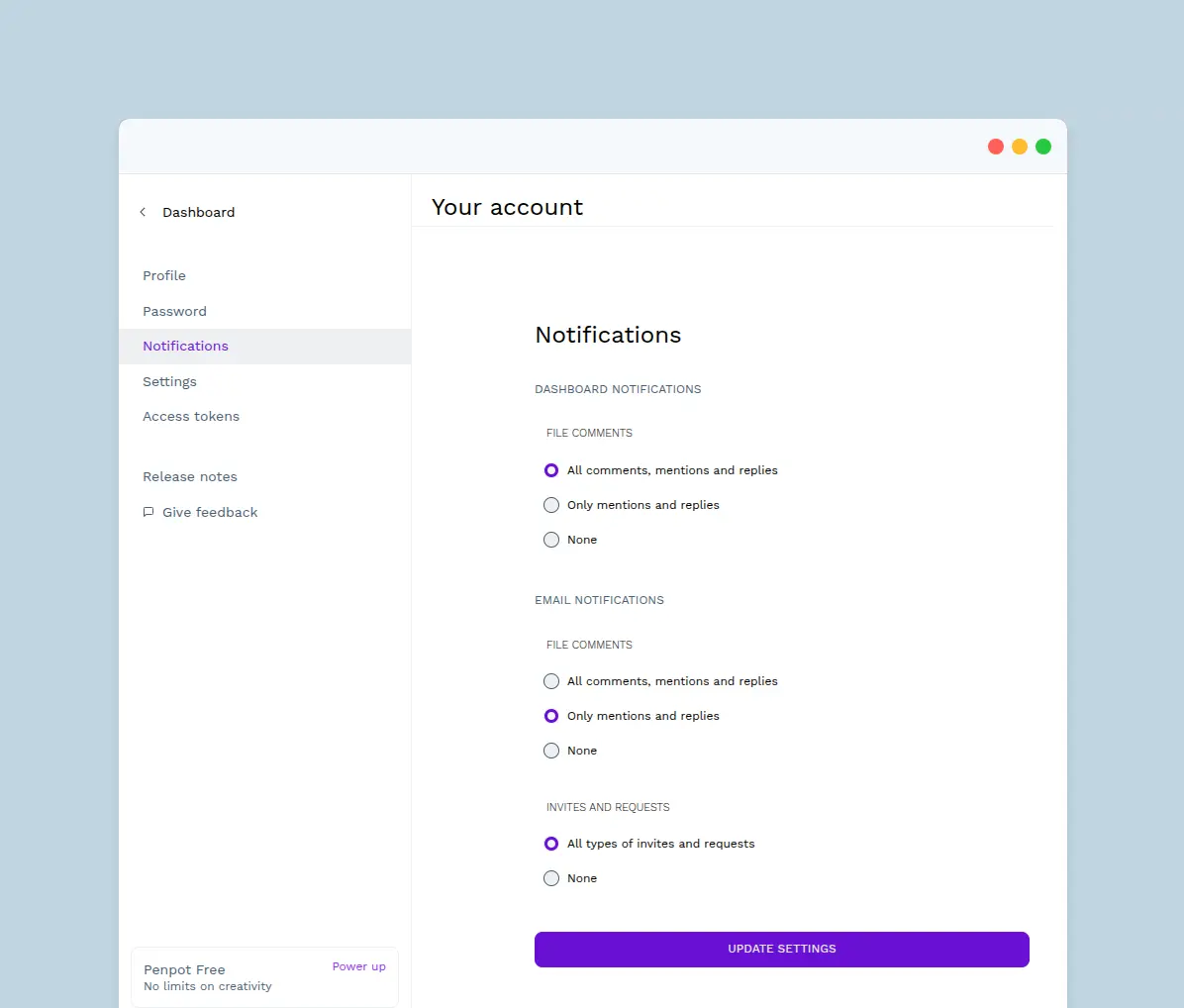
Notifications #
At the Notifications section you can configure the email and dashboard notifications.
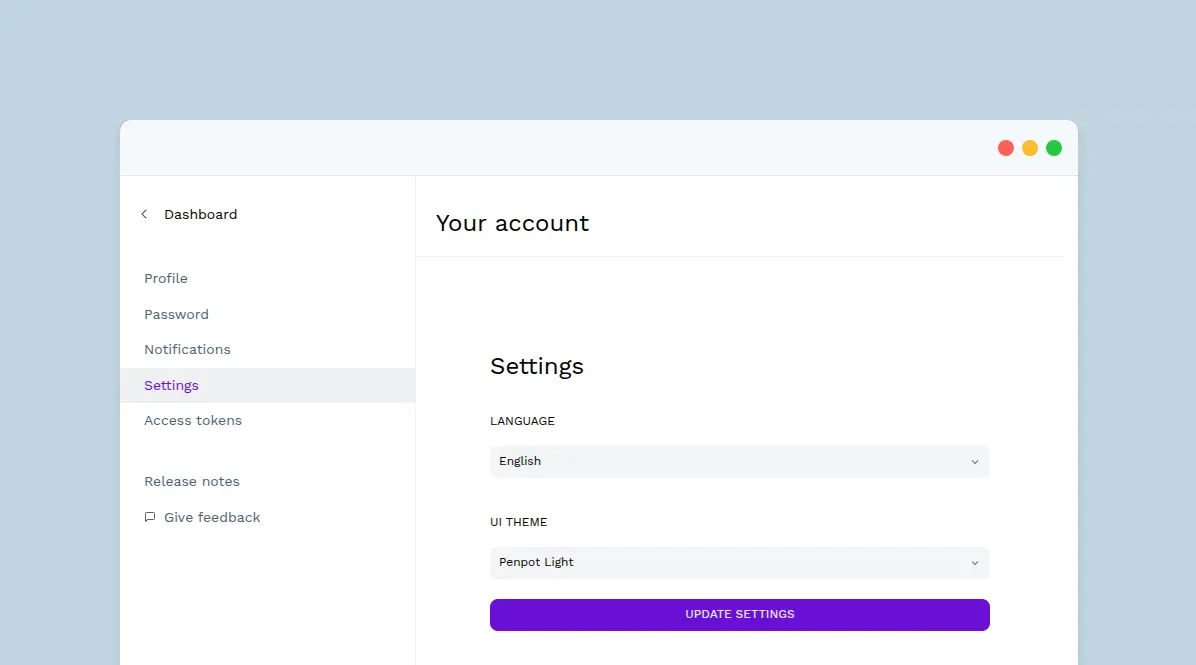
Settings #
At the Settings section you can change the language and the UI color theme.
UI Theme
Penpot's default interface is dark but you can switch anytime to a light option. You have 2 ways to change the theme:
- From "Your account" > "Settings".
- Using the shortcut Alt/⌥ + M.
Access tokens #
At the Asset tokens section you can manage your access tokens. Read more about access tokens here.